---
title: "Benchmarks"
description: "Measuring how the memory and CPU costs of Aiken code grow with input size, using bench and samplers."
---
> Documentation Index
> Fetch the complete documentation index at: https://aiken-lang.com/llms.txt
> Use this file to discover all available pages before exploring further.
# Benchmarks
Aiken has built-in support for benchmarking through a syntax similar to [property-based tests](/language-tour/tests/#property-based-test). Benchmarks allow you to measure execution costs (memory and CPU) across increasing input complexity.
## Writing benchmarks
To write a benchmark, use the `bench` keyword along with a `Sampler`. A `Sampler` takes a size parameter and generates increasingly larger inputs based on a specified growth pattern (typically constant or linear). In fact, a `Sampler` is defined as such:
```aiken
type Sampler = fn(Int) -> Fuzzer
```
Hence, samplers can be constructed from fuzzers quite easily using the [`aiken-lang/fuzz`](/stdlib/aiken/fuzz/) package and used in a similar fashion. A `Sampler` is introduced as a special annotation for the argument using the `via` keyword.
```aiken
use aiken/fuzz
use aiken/primitive/bytearray
use aiken/primitive/int
fn sample_bytearray(size: Int) -> Fuzzer {
fuzz.bytearray_between(size * 128, size * 128)
}
bench bytearray_length(bytes: ByteArray via sample_bytearray) {
bytearray.length(bytes)
}
// Note, you can also omit the `: ByteArray` type annotation
bench bytearray_to_integer(bytes via sample_bytearray) {
int.from_bytearray_big_endian(bytes)
}
```
:::note
The size will grow linearly from `0` to `--max-size` (`30` by _default_). It is then up to the sampler to define how the generated value should grow. For example, it's totally possible to generate values that grow quadratically in terms of the size:
```aiken
fn sample_bytearray_quadratic(size: Int) -> Fuzzer {
fuzz.bytearray_between(size * size, size * size)
}
```
It's also possible, like in `sample_bytearray` above to scale the size further to ensure benchmarks capture interesting behaviours.
:::
## Running benchmarks
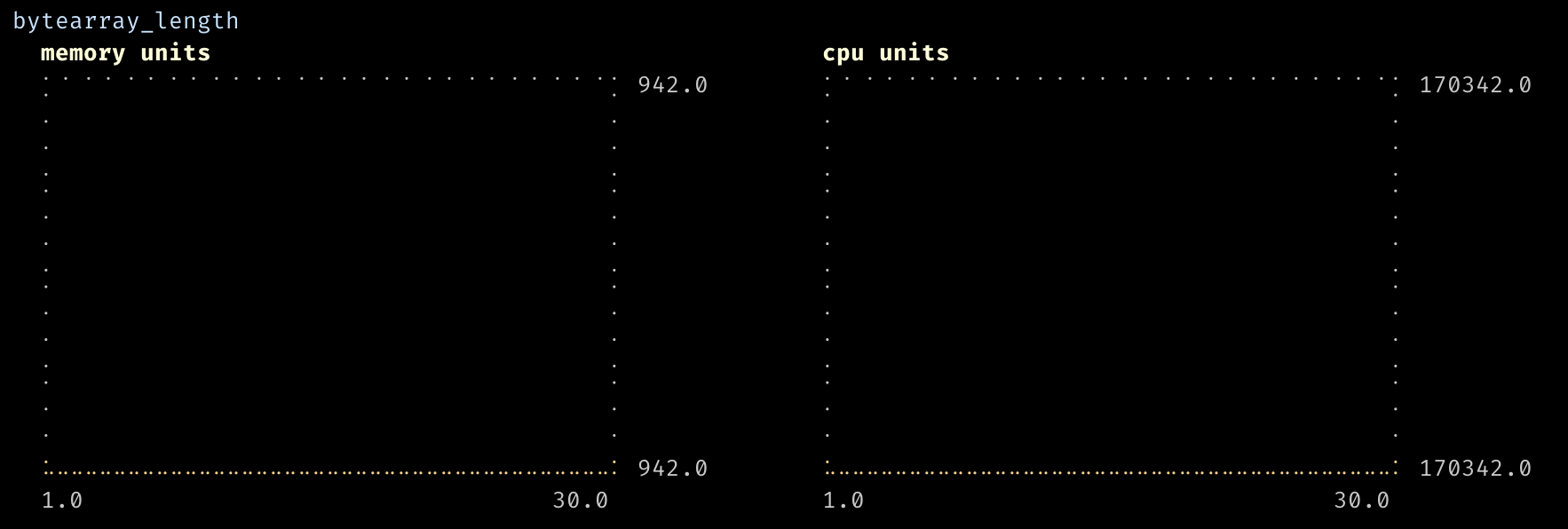
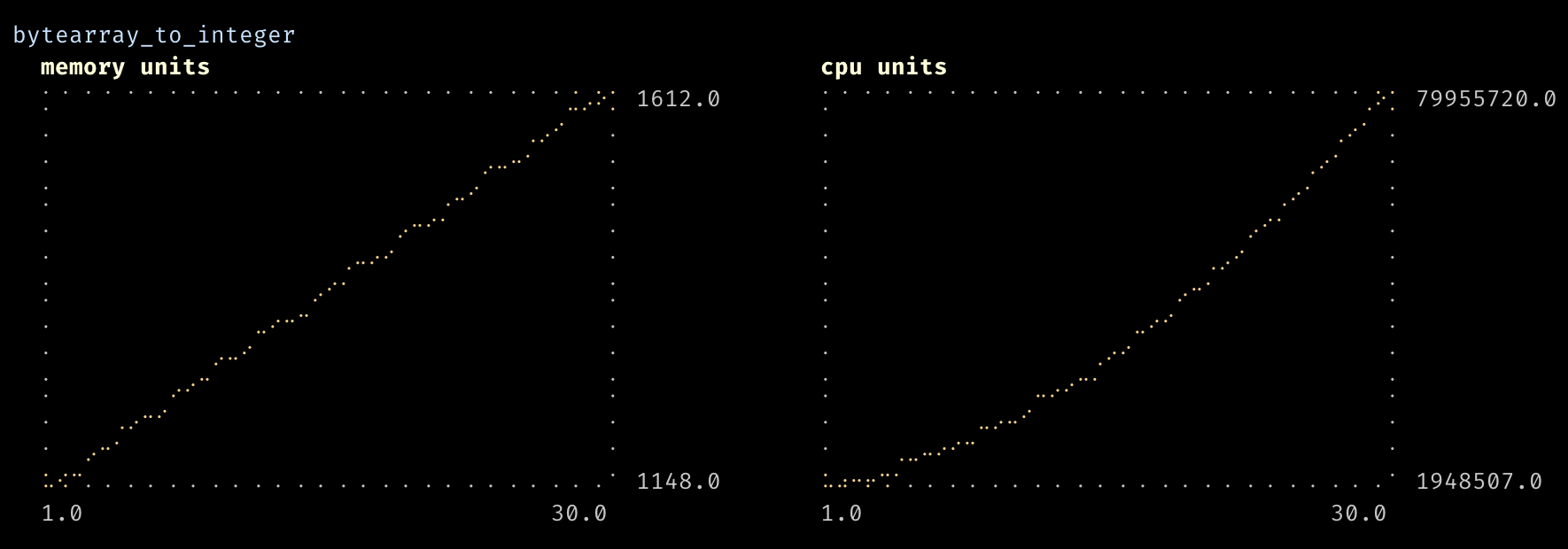
Benchmarks are collected using the `aiken bench` command. They provide a report showing execution costs (in abstract memory and CPU units) in terms of a monotically increasing size.
### JSON Output
By default, the `bench` command will generate plot charts in your terminal, since they are immediately visual and can help spot behaviours in a glance. You can also obtain the complete dataset of points used for the plot by redirecting the standard output to a file.
```sh
aiken bench > benchmarks.json
```
The output is a structured JSON file containing all results for your benchmarks. Handy if you want to conduct your own analysis!
### Filtering benchmarks
Like tests, you can run specific benchmarks using the usual command-line options:
```sh
# Run benchmarks in specific module
aiken bench -m "my_module"
# Run specific benchmark
aiken bench -e -m "my_bench"
```
:::note
Benchmarks are particularly useful when optimizing validator scripts since they allow you to measure execution costs across different input sizes and complexity levels.
:::
For more information about the testing functionality that benchmarking builds upon, see the [testing documentation](/language-tour/tests/).
Source: https://aiken-lang.com/language-tour/bench/index.mdx